FIDO2 application
Following are some details on the VALMIDO device display messages while performing « register » and « login » operations on FIDO-enabled websites.
Sign up with a service (Register operation)
When performing a « register » on a site, the following message is displayed on the VALMIDO device screen:
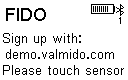
Sign Up
Sign in with a service (Login operation)
At a « login » operation on this site, the following message is displayed on the VALMIDO device screen:
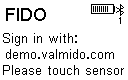
Sign In
XXXXX.YYY represents the domain name of the site on which the user authenticates.
Domain Name Display
If the domain name is too long (more than 18 characters) to be displayed fully on the VALMIDO device display, the end is truncated and “[]” is displayed to indicate truncation.
When the domain name is truncated, only the first 16 characters are displayed since the last 2 characters are “[]”.
When the domain name is exactly 18 characters or less, it is fully displayed.
Authentication Failure
If the finger presented does not correspond to any fingerprint previously registered in the device, the message “Wrong\n fingerprint” is displayed for one second, and then the signing request message is displayed again.
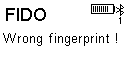
Wrong finger
If after 3 attempts the user fails to authenticate with biometrics, a PIN is requested by the browser. After 3 incorrect PINs, the VALMIDO device must be rebooted (turned Off and On again), and the browser abandons the transaction.
Successful Authentication
If the verification succeeds, the VALMIDO device returns the appropriate response to the browser. In this case, the message “Matched with:\n Finger #X” is displayed, with X indicating the previously attributed name of the finger that matched.
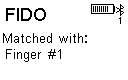
Finger matched
Test Sites
We present here a demo site where you can test your FIDO2 Bluetooth Biometric VALMIDO device
Token2 site
https://www.token2.com/tools/fido2-demo
Registration

After clicking on Register you have the following screen
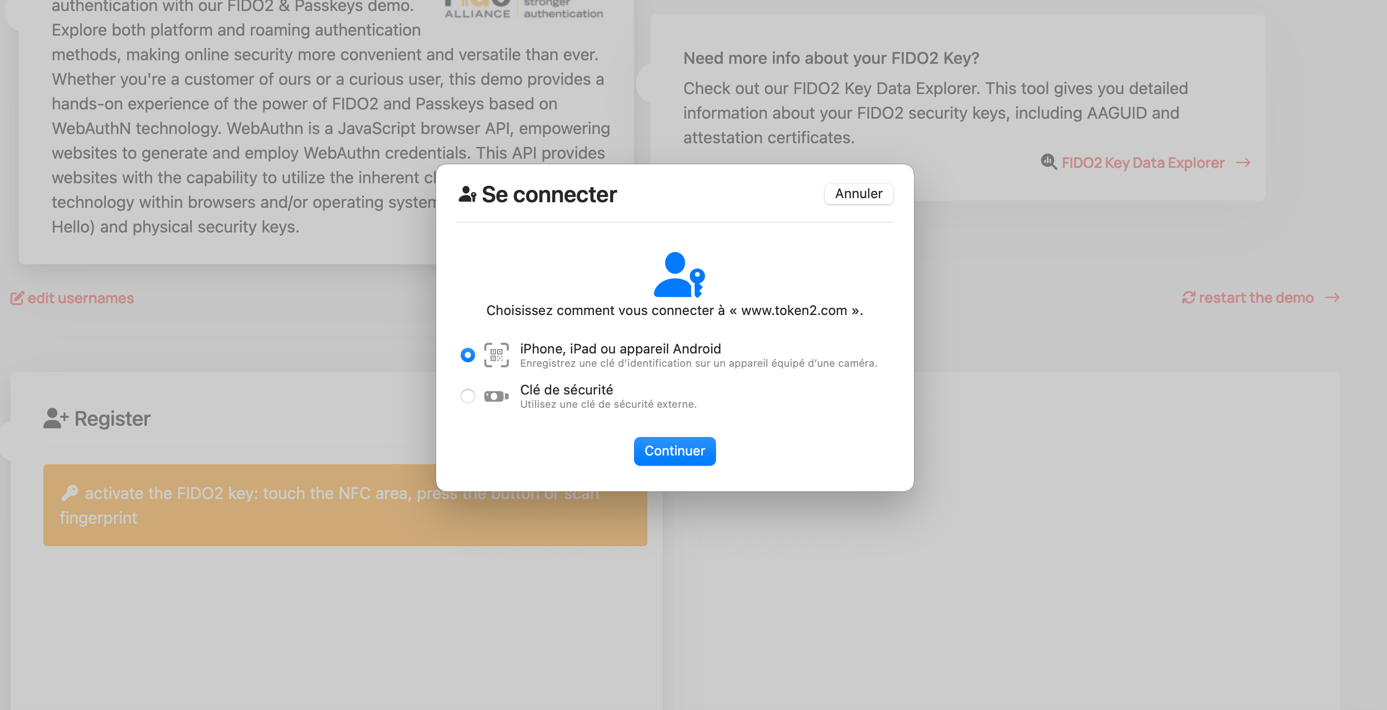
You can now select the “security key” bullet but if the VALMIDO device screen already asks you to validate your fingerprint then you can just go ahead and validate immediately your fingerprint on the VALMIDO device sensor.
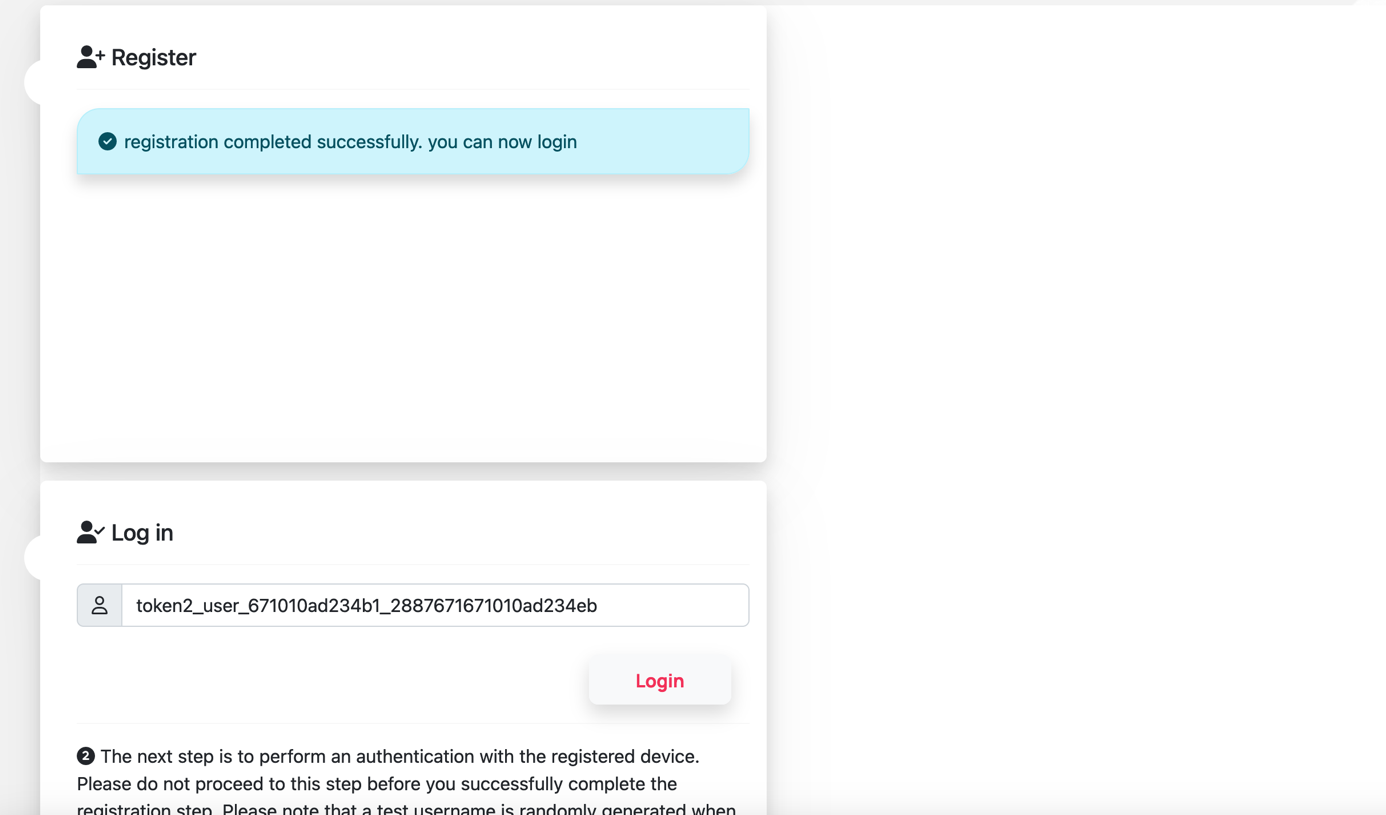
After registration, you can now login to the site. For this just click the “Login” button
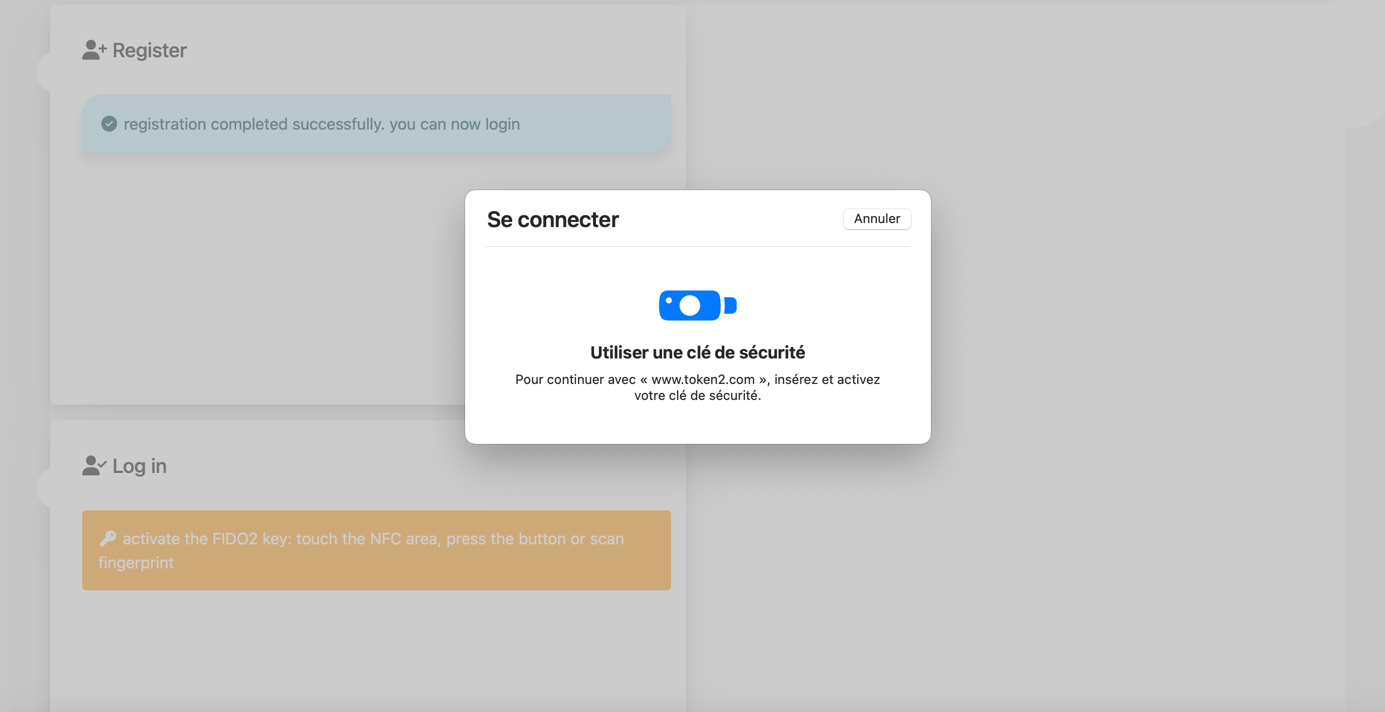
Follow the instructions on your VALMIDO device screen and validate your fingerprint
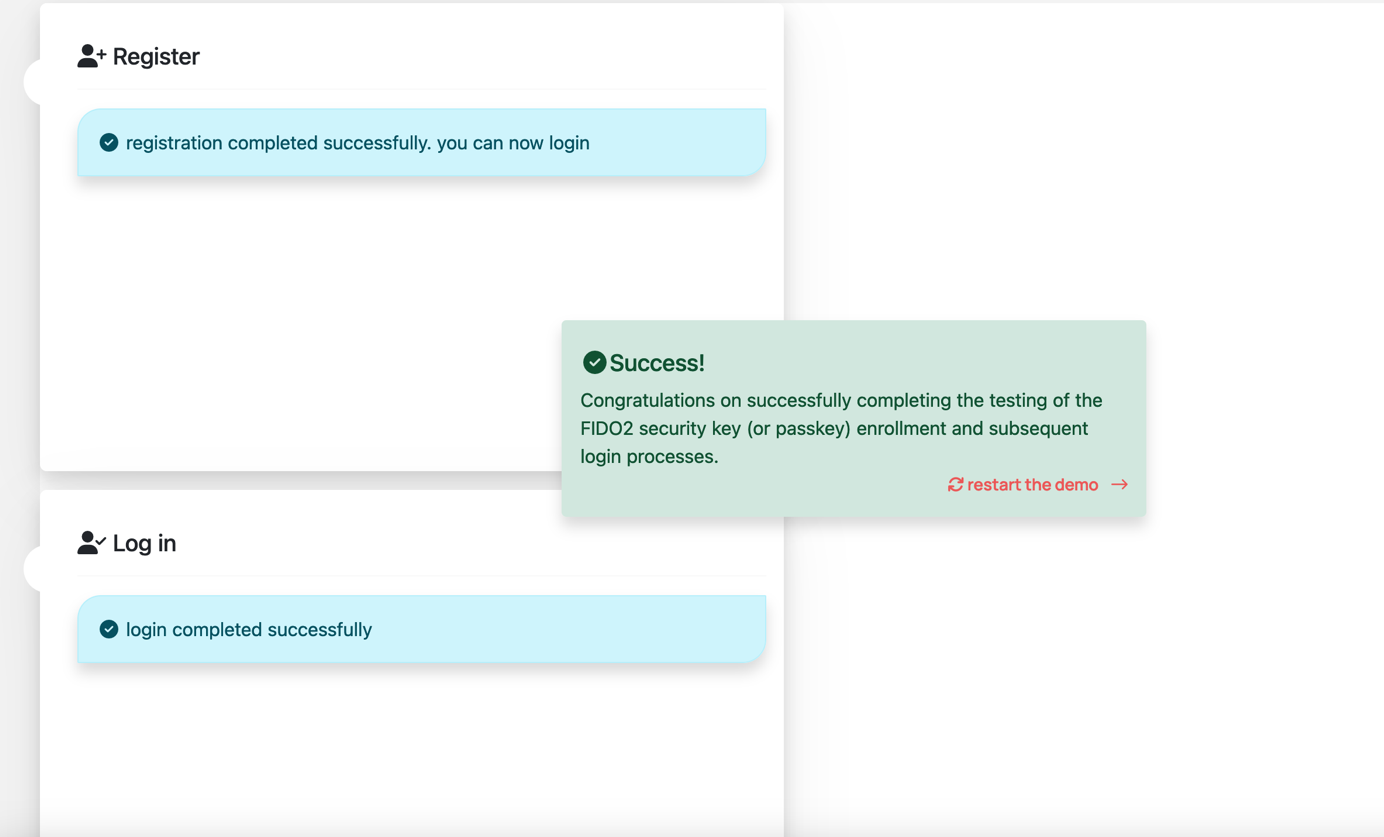
You are logged in the site now!